Why Your Original MP3 Won’t Play from USB in the Car
DedicatieMuzicala ·
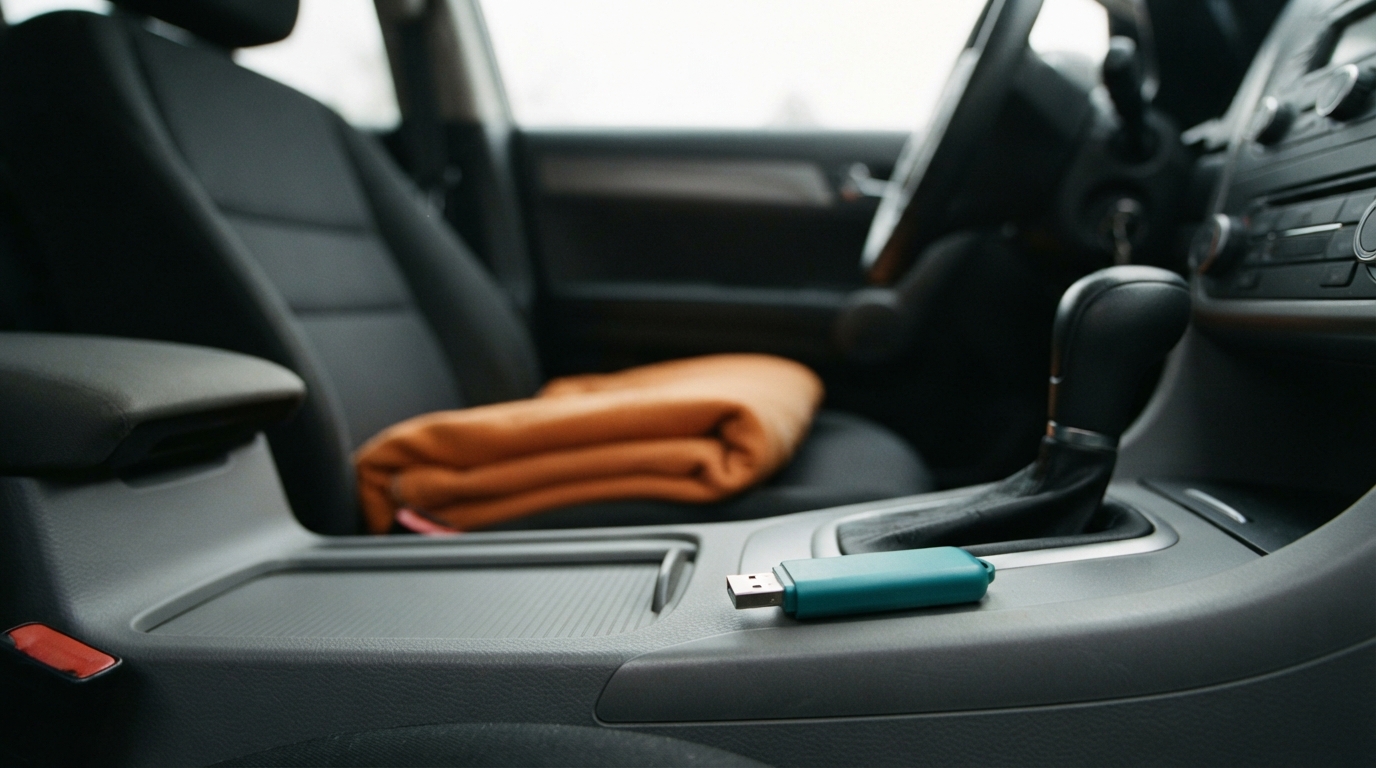
If your original MP3 plays on your phone but not from USB in the car, test the file, the copy, and the car’s playback route separately. These checks narrow down the next step; they cannot guarantee that every MP3 will work with every head unit.
Start with the three-branch check
Do these checks while the car is parked. First, play the complete original file on the device where it is stored. If it stops early, will not open, or is not the selected full song, verify or download that version again before testing the car. Keep the original unchanged.
If the original plays fully, copy it to the USB drive and play that copied file from the drive on a computer or another device that can read it. If the copy fails there too, check that the transfer completed and make a fresh copy; do not delete the original. If both copies play fully elsewhere but not in the car, check the exact head-unit manual for its supported USB playback route and file requirements.
Use a known-working compatible MP3 as a control if you have one: try it from the same USB drive and selected car input. If the control plays but your song does not, focus on whether the car recognizes or supports that specific file; this does not prove an app defect or identify a format cause. If both fail, investigate the documented input, port, and USB support before changing the song. With no known-working control, mark the result unknown rather than guessing.
A filled example: what the tests can tell you
Lina’s fictional original song plays from beginning to end on her laptop. She copies it to a USB drive and confirms that the copy also plays completely on the laptop. In her parked car, a compatible MP3 she already knows works plays from that same USB drive and selected input, but Lina’s song is not recognized.
That result narrows the next check to the specific file’s recognition or compatibility with the head unit. Lina compares the actual file details, if available, with the exact vehicle manual. She does not assume the car is defective, that the song file is damaged, or that changing its extension will fix it. If the manual does not explain the symptom, she records the observations for support.
Compare file details with the manual, not a universal rule
Head units differ, so consult the manual for the exact vehicle and audio unit rather than relying on a blanket rule about filesystem, capacity, bitrate, sample rate, or file format. Compare the manual’s stated requirements with the file’s actual details if your device shows them. If the manual is silent or the details are unavailable, record that as unknown.
Do not format a USB drive containing files as a generic troubleshooting step. Do not rename an extension to make a file appear compatible, or convert the song before the tests point to a specific documented requirement. If the manual says the car does not support that playback route, use only an alternative the vehicle documentation identifies; Bluetooth or phone integration is not guaranteed to work in every car.
Reusable diagnostic card
Copy and fill in this card before another test or support request: Exact vehicle, head-unit model, and year: [details or unknown]. Manual section and stated USB requirements: [section or not found]. Selected input and port: [details]. Original filename and complete playback on the original device: [result]. USB-copy playback on another device: [result]. Known-working compatible MP3 from the same USB and car input: [result or unknown]. Exact car symptom or error: [what appeared or happened]. Actual file details compared with the manual: [details or unknown].
Next single check: [one check supported by the manual or evidence]. Stop or escalate when: [for example, the copy plays elsewhere, the control result is known, and the manual does not explain the car symptom]. Change one thing at a time and keep the original file. This record gives vehicle support a clear comparison without implying a diagnosis you have not established.
A precise support handoff
You can send this note to vehicle or head-unit support: “I’m troubleshooting an original MP3 that plays completely on my laptop. Its USB copy also plays completely on the laptop. In the parked car, a known-working compatible MP3 plays from the same USB drive and selected input, but this song is [not recognized / exact symptom]. Vehicle and head-unit model/year: [details]. Manual section checked: [section or not found]. File details compared with the manual: [details or unknown]. What is the next documented compatibility check for this input?”
Include no personal data and no song link unless support specifically needs the file through a suitable channel. In DedicatieMuzicala, My Songs lets you choose a version and select Download for its full MP3; the saved location depends on your device. Share copies a task-page URL, not the audio file, and there is no WAV, bitrate, codec, or USB-export picker. A downloaded MP3 is not guaranteed to play in every head unit.
Fictional story and listening example
The story and lyrics below are original fictional material. The conceptual cover and audio do not demonstrate an actual car, USB transfer, compatibility test, app screen, or controlled playback comparison.
Fictional example
Fictional example: An Unhurried Outing
Lina and Noah, two fictional adult friends, are preparing for an unhurried outing. Their car is parked. An orange blanket rests on the empty passenger seat, and Lina sets a teal flask beside it before checking that everything is ready. They leave the destination open and take their time packing. The original song celebrates the small pleasure of making room for a relaxed day together. In the separate hypothetical playback case, Lina tests the complete original on her laptop, checks the USB copy there, and records the same-input comparison before asking vehicle support for a documented next check. No actual vehicle test was performed.
The orange blanket waits nearby The teal flask catches afternoon light We pack a little room for rest And leave the busy day outside No hurry written on the page No far-off place we need to name A quiet plan between two friends A simple kindness, just the same The folded blanket, flask in hand We keep the outing soft and unplanned
Listen to the example
Fictional example: An Unhurried Outing · English
Fictional example
The orange blanket waits nearby The teal flask catches afternoon light We pack a little room for rest And leave the busy day outside No hurry written on the page No far-off place we need to name A quiet plan between two friends A simple kindness, just the same The folded blanket, flask in hand We keep the outing soft and unplanned
Frequently asked questions
My MP3 plays on my phone but not from car USB. What should I check first?
Play the complete original on its source device, then test the USB copy on another device. If both work, check the exact head-unit manual and compare results with a known-working compatible MP3 on the same car input.
Should I format the USB drive or change the MP3 extension?
No. Those are not universal fixes and could risk files or obscure the real issue. Preserve the original, check the manual, and change only one thing when the documented requirements point to a specific test.
What if I do not have a known-working MP3 for comparison?
Record the control result as unknown. Do not infer that the car or song is at fault; check the manual’s input and USB guidance, then share your observed results with vehicle or head-unit support.