How to Choose Readable Lyric Video Captions for a Phone
DedicatieMuzicala ·
For a lyric video viewed on a phone, start with a simple, large caption preset and a background that gives the words room to stand out. Then check the actual result on a phone; no preset is a guaranteed best font for every lyric, screen, or image.
Choose a preset, not a font download
Caption presets are ready-made styles in the video controls; they are not the same as downloadable font files. The available choices include Elegant, Bold, and Script, among others. Choose a preset and review how your actual lyrics look.
Script can suit a personal, handwritten mood, but its decorative letter shapes may take more effort to read, especially when captions are small or the background is busy. Elegant can feel restrained, while Bold can make words more visually prominent. These are design tradeoffs, not a universal ranking: judge the lettering against your image and the words you need viewers to follow.
A reusable starting-settings card
Try this as a first draft: Format — Vertical; Caption style — Bold; Text size — Large; Text position — Center; Animation — Fade; Background motion — Off; Visualizer — Off; Next-line display — Off; Title — Hide; Accent — style default.
The point is to give the lyric space without stacking extra moving or competing elements around it. If the result feels too plain, change one choice at a time and check again. For example, try Elegant if Bold feels too forceful, or try Script only if its actual lettering remains clear at phone size.
Adjust for the photo behind the words
With a quiet, dark photo, start with the card above. Centered Large captions may have enough visual separation without additional motion or a visualizer. Keep the title hidden if it would compete with the lyric; you can show a title at the top or as a big intro when it matters more than a clean caption frame.
With a busy, bright photo, simplify first: leave background motion and the visualizer Off, keep the next line hidden, and avoid adding a title to the same frame. Compare Bold and Elegant against the brightest and busiest parts of the image. If the text still blends into the photo, choose a calmer background image rather than assuming a different animation will solve the contrast. The card leaves the accent at its style default; other accent presets are available.
Check the lyric at actual phone size
Review the generated result on a phone, not only in a large preview. Check five things: (1) Is every character and diacritic in the lyric visible and legible? (2) Do changing parts of the background make the words harder to see? (3) Do the letters remain distinct from the image behind them? (4) Do the title or next-line display crowd the caption? (5) Do the words cover important details in the photo?
Use a real lyric phrase for the check. In the fictional example below, try reading “You kept my basil green” on the phone while looking at both a quiet patch and a visually busy patch of the background. If the words become hard to follow, simplify the composition and review again.
Apply the choices to an unlocked song
DedicatieMuzicala’s lyric-video controls are for unlocked songs. In the video settings, choose the format, caption style, position and size, then review relevant options such as animation, background motion, visualizer, next-line display and title. Available choices include Vertical, Square and Wide; Center and Bottom; Small, Medium and Large; and animations such as Fade. Apply the planning card to your own result and verify it on your phone. Open More settings for text size, position, background motion, next-line display, visualizer, accent and title options.
The audio below is an original listening example, and the cover is an illustrative still. Neither is a finished lyric-video demonstration; apply the settings card to your own video and check it on your phone.
Fictional example
Fictional example: a thank-you song for Amira
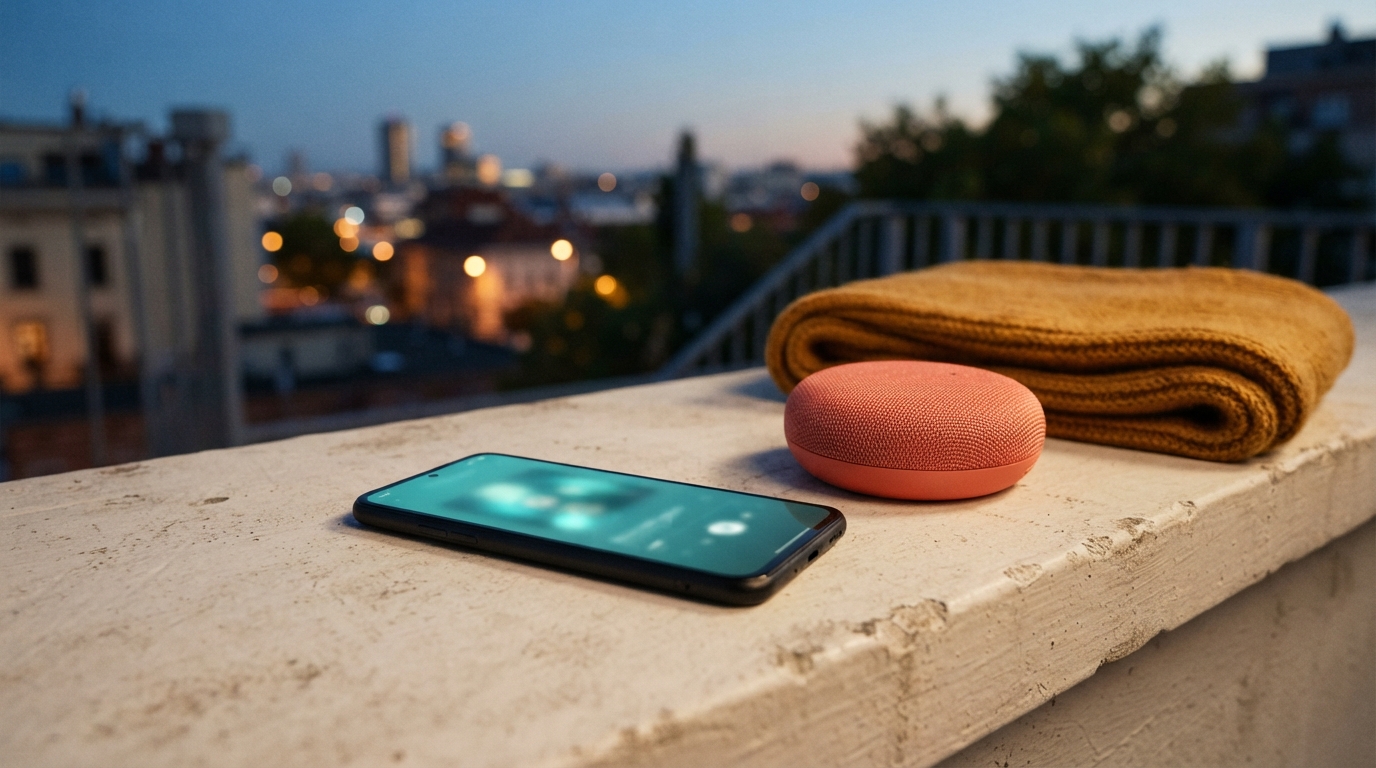
Fictional adult Lina is back in her small apartment after a week away. Her adult neighbor Amira watered the basil growing on Lina’s balcony, an ordinary kindness Lina wants to celebrate in an original thank-you song. At dusk, Lina sets a black phone and a coral speaker on a pale concrete ledge; an ochre scarf lies beside them. She plans a vertical lyric video and wonders whether a decorative style will remain easy to read over a photo of the balcony. Before sharing, she checks a real lyric phrase on her phone, first against the quiet evening wall and then against the busy leaves. If the words become hard to follow, she simplifies the image and checks again.
The evening finds me home again A little green leans toward the light You kept my basil growing there While I was gone beyond the town No grand parade, no shining sign Just water shared and thoughtful care The leaves are bright against the dusk A quiet kindness stayed with me You kept my basil green And made the welcome feel like home
Listen to the example
Fictional example: a thank-you song for Amira · English
Fictional example
The evening finds me home again A little green leans toward the light You kept my basil growing there While I was gone beyond the town No grand parade, no shining sign Just water shared and thoughtful care The leaves are bright against the dusk A quiet kindness stayed with me You kept my basil green And made the welcome feel like home
Frequently asked questions
Is decorative Script always easy to read?
No. Script may suit the mood, but its letter shapes can be harder to follow at phone size or over a busy image. Check the actual words on your phone before choosing it.
Which controls help reduce a crowded frame?
Try hiding the title and next line, turning background motion and the visualizer Off, and keeping the animation simple. Review the result rather than adding effects to compensate for a busy background.
What should I check before sharing?
Read the actual captions on a phone. Check characters and diacritics, background changes, text separation, title or next-line crowding, and whether important image details are covered.